
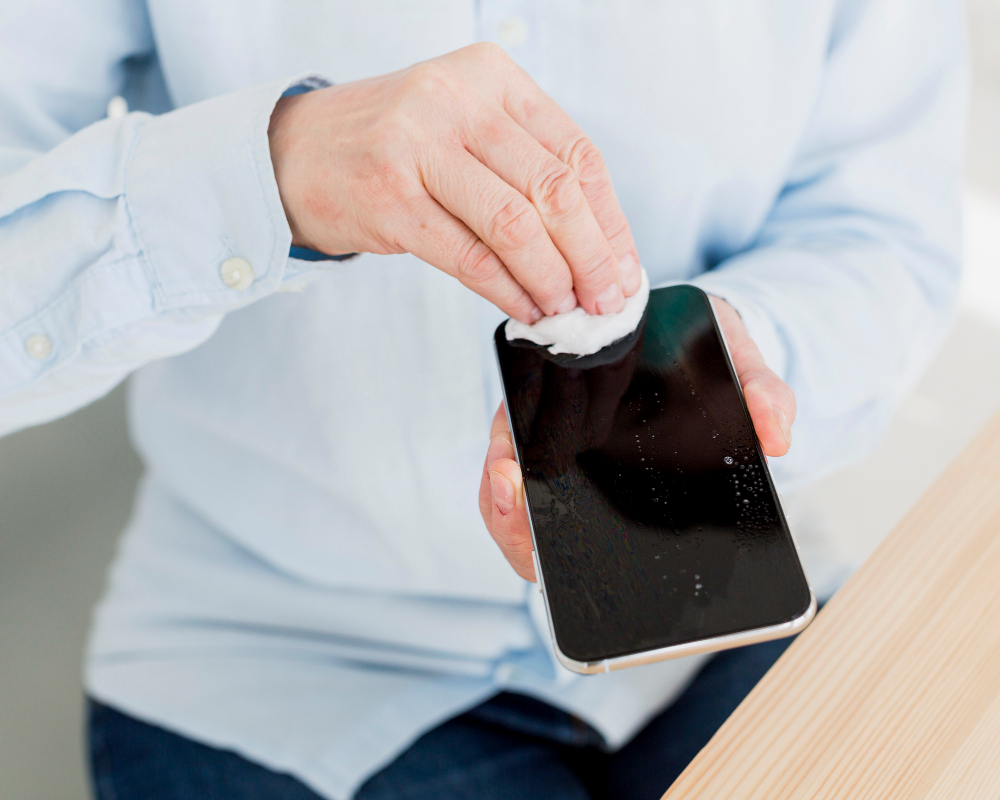
Your Google Pixel screen suddenly starts flickering or showing a green tint. The display might look normal briefly before the problem returns. Sometimes, the entire screen turns green without warning.
These symptoms can interrupt calls, messaging, and everyday phone use. They may result from software glitches, display damage, or internal hardware faults.
Understanding the possible causes helps you decide whether Google Pixel repair is necessary.
Why Is Your Google Pixel Screen Flickering?
Screen flickering occurs when the display rapidly changes brightness, color, or visibility. It may happen while scrolling, watching videos, or unlocking your device. Several problems can cause this behavior. If troubleshooting doesn't help, consider Google Pixel screen repair in Orlando, FL, for professional evaluation.
Software Glitches
Temporary software errors can interfere with normal display performance. These problems sometimes appear after system updates or app installations. Restarting your phone may resolve temporary glitches.
Physical Display Damage
Drops can damage internal display components without cracking the outer glass. Your Pixel may develop flickering even when the screen looks physically intact. This damage may require Google Pixel screen repair.
Internal Connection Problems
A damaged display connection can interrupt communication between internal components. This may cause intermittent flickering, discoloration, or complete screen failure. Professional diagnostics can help identify the affected component.
Display Settings
Some flickering becomes noticeable at particular brightness levels. Display refresh settings may also influence when symptoms appear. Adjusting these settings can help identify patterns, but cannot repair physical damage.
Why Does Your Google Pixel Screen Turn Green?
A green display doesn't always mean your phone has completely failed. The issue may appear as mild discoloration or a bright green screen.
Possible causes include:
Damaged display panel: Internal components may struggle to reproduce colors correctly.
Software errors: Temporary glitches may interfere with normal screen output.
Previous impacts: Earlier drops can sometimes cause delayed display problems.
Connection damage: Internal faults may interrupt normal display signals.
Persistent green lines or discoloration can indicate hardware damage. In such cases, Google Pixel screen repair may be needed to restore display functionality.
What Should You Try Before Repairing Your Pixel Screen?
Before scheduling service, try a few basic troubleshooting steps.
Restart Your Google Pixel
Restarting clears temporary system activity and reloads essential processes. Check whether the flickering continues afterward.
Check for Software Updates
Open Settings and check for available system updates. Updates may resolve software-related display issues.
Back up important information before installing major updates.
Adjust Screen Brightness
Change brightness manually and observe the display. Notice whether flickering increases at specific brightness levels.
These observations may help during professional diagnosis.
Test Different Applications
Open several apps and compare screen behavior. If flickering happens inside one application, investigate that app first.
Updating or reinstalling the affected application may help.
Inspect the Screen
Look for cracks, green lines, dark patches, or separation around the edges. Avoid pressing damaged areas.
How Can You Tell Whether It's Software or Hardware Damage?
Software problems may disappear after restarting or updating the phone. They may also affect only certain applications.
Hardware-related symptoms often continue across different apps and system screens.
Common warning signs include:
Flickering during startup.
Persistent green or colored lines.
Unresponsive touchscreen areas.
Unexpected black screens.
Display problems following a drop.
These signs can suggest physical damage, but they aren't definitive. A technician can determine whether Google Pixel screen repair or another service is appropriate.
Can a Flickering Google Pixel Screen Get Worse?
Yes, particularly when physical damage causes the problem.
A damaged display may develop more frequent flickering. Green lines can spread, and touchscreen responsiveness may decline.
However, software-related flickering may disappear after troubleshooting. Avoid unnecessary pressure on the display. Back up important files while the screen remains accessible.
Early Google Pixel screen repair may prevent prolonged inconvenience if replacement is necessary.
Is Google Pixel Screen Repair Worth the Cost?
Repair may be worthwhile when your Pixel otherwise performs well. Consider the device's age, condition, and expected repair cost. A screen replacement may restore normal performance when the display panel causes the problem.
However, internal connection faults may require different repairs.
Before approving Google pixel phone repair, request a diagnosis and clear estimate. This helps you avoid paying for unnecessary replacement components.
Where Can You Get Google Pixel Repair in Orlando?
If basic troubleshooting fails, professional evaluation is the next practical step. Explain when the issue began and whether your phone experienced physical damage.
Ask about model compatibility, available parts, pricing, and repair warranty. A proper assessment helps determine which Google Pixel screen repair solution fits your device.
Final Thoughts
A flickering or green Google Pixel screen can result from several issues. Some problems respond to software troubleshooting, while others involve damaged hardware.
Don't assume every display problem requires immediate replacement. Start with safe checks and observe whether symptoms persist. For Google Pixel repair in Orlando, FL, contact your nearest iPhone repair store to discuss your symptoms. A professional diagnosis can help identify the appropriate next step.