
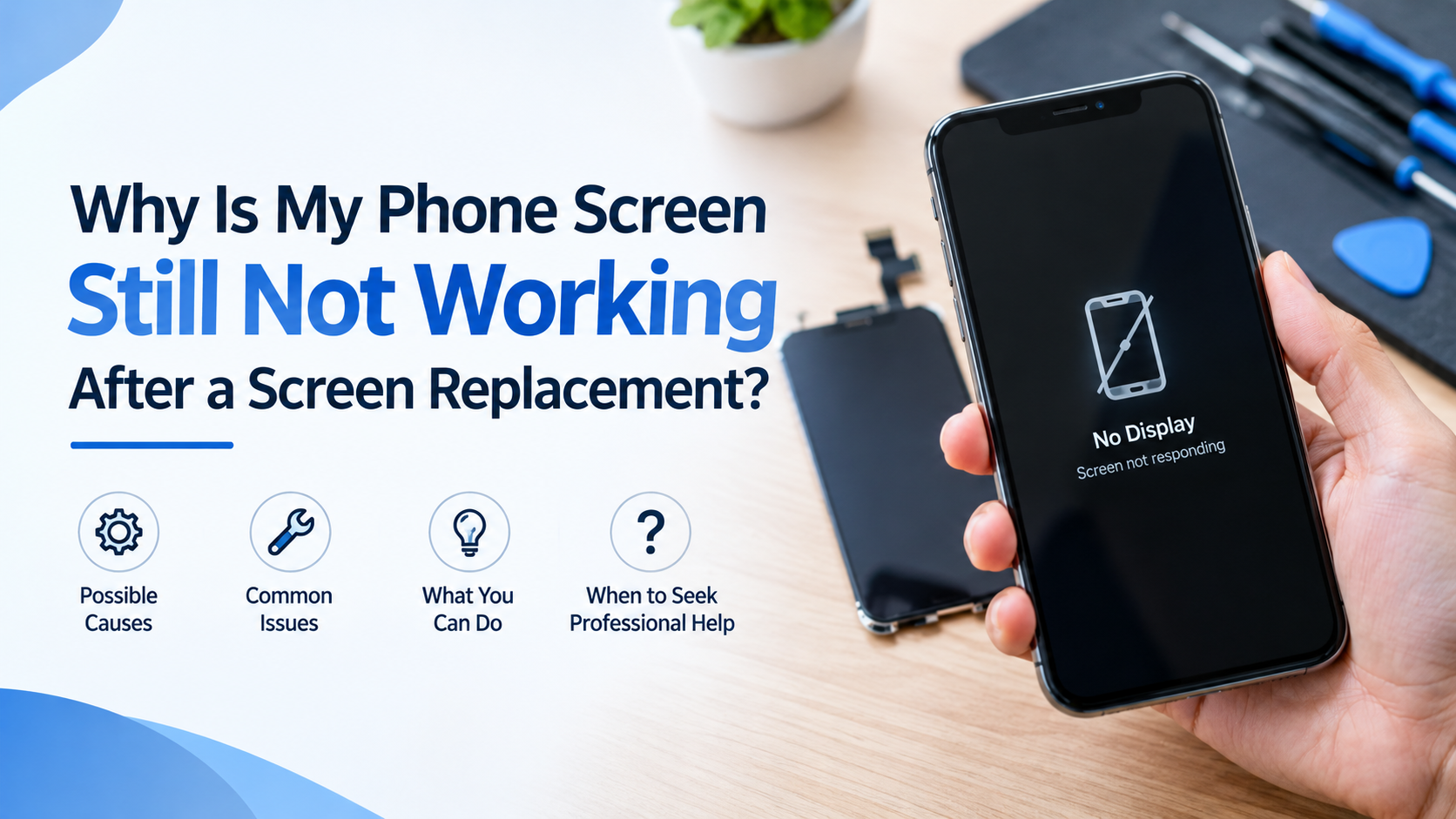
Replacing a damaged phone screen should restore normal use, but sometimes problems remain even after the repair. The display may stay black, touch controls may stop responding, or the screen may flicker during use. These issues can be frustrating, especially when the phone worked better before the replacement.
A screen replacement does not always solve every display problem. Other internal components, loose connections, or faulty replacement parts may affect performance. Understanding the possible causes can help users identify the next steps without risking further damage to their devices.
1. The Screen Connector May Be Loose
A phone screen connects to the motherboard through small, delicate connectors. During a replacement, one of these connections may not be seated correctly. Even a slightly loose connector can cause display problems or prevent the touchscreen from working.
Common signs include a black display, flickering images, or touch controls that respond only sometimes. A qualified repair technician can inspect the connection and check whether it needs to be reseated.
Users should avoid opening the phone themselves unless they have the right tools and experience. Internal components can be easily damaged during handling.
2. The Replacement Screen May Be Defective
Not every replacement screen performs as expected. A new display can have manufacturing defects, damaged components, or compatibility issues with a particular phone model.
For example, the screen may show unusual colours, display lines, or fail to register touches across certain areas. These problems can appear immediately after installation or develop during normal use.
A technician can test the replacement part to determine whether it is faulty. If the screen is defective, the repair provider may need to replace it with a compatible, working component.
3. The Original Damage May Have Affected Other Components
A phone drop can cause more than visible glass damage. The impact may also affect the display connector, motherboard, or other internal parts. Replacing the screen alone may not correct these underlying problems.
If the phone continues to restart, display a black screen, or lose touch functionality, further diagnosis may be necessary. The original impact could have damaged a component that was not obvious during the first inspection.
Water exposure can also create problems that remain after a screen replacement. A technician should check for signs of corrosion or other internal damage before recommending additional repairs.
4. Touchscreen Problems May Have Another Cause
Sometimes the display shows images correctly, but the phone does not respond to touch. This can happen because of a faulty replacement part, a connection issue, software problems, or damage to the touch-sensing hardware.
Start with a few safe checks:
Remove the screen protector temporarily if it may be interfering with touch.
Clean and dry the screen with a soft cloth.
Restart the phone if its controls still allow it.
Check whether a software update or app issue could be affecting performance.
If the touchscreen remains unresponsive, professional testing can help identify the source of the problem. Repeatedly pressing hard on the display will not fix an internal fault and may cause further damage.
5. Software or Compatibility Issues May Affect Performance
Although screen problems often involve hardware, software can sometimes contribute to unusual behaviour. A phone may freeze, respond slowly, or show display glitches after an update or restart.
Users should check for available system updates when the phone is stable enough to operate. If the screen remains unusable, a technician can determine whether the problem is related to software or hardware.
Avoid performing a factory reset before backing up important data. A reset can erase personal files and may not resolve a physical display problem.
6. When Should You Seek Professional Help?
If the screen remains black, flickers repeatedly, shows coloured lines, or fails to respond after replacement, contact the repair provider. Explain which symptoms appeared, when they started, and whether the problem existed before the repair.
A professional inspection can help determine whether the cause is a faulty screen, an installation issue, or another damaged component. When comparing repair options, look for clear explanations of the diagnosis, compatible replacement parts, and warranty terms.
Even when searching for cell phone screen repair orlando as part of a broader effort to understand screen replacement options, the same principle applies: identify the cause of the failure before paying for another repair. A location-specific search term does not change the technical checks needed to diagnose a malfunctioning display.
Conclusion
A phone screen that stops working after replacement may have a loose connector, a defective display, hidden impact damage, or a separate software issue. Identifying the actual cause is more effective than replacing parts without proper testing.
If basic troubleshooting does not restore normal operation, a qualified technician can inspect the phone and recommend the right solution. For anyone researching cell phone screen repair orlando alongside general repair advice, choosing a provider that explains the diagnosis and available repair options can help prevent repeated problems and unnecessary costs.